

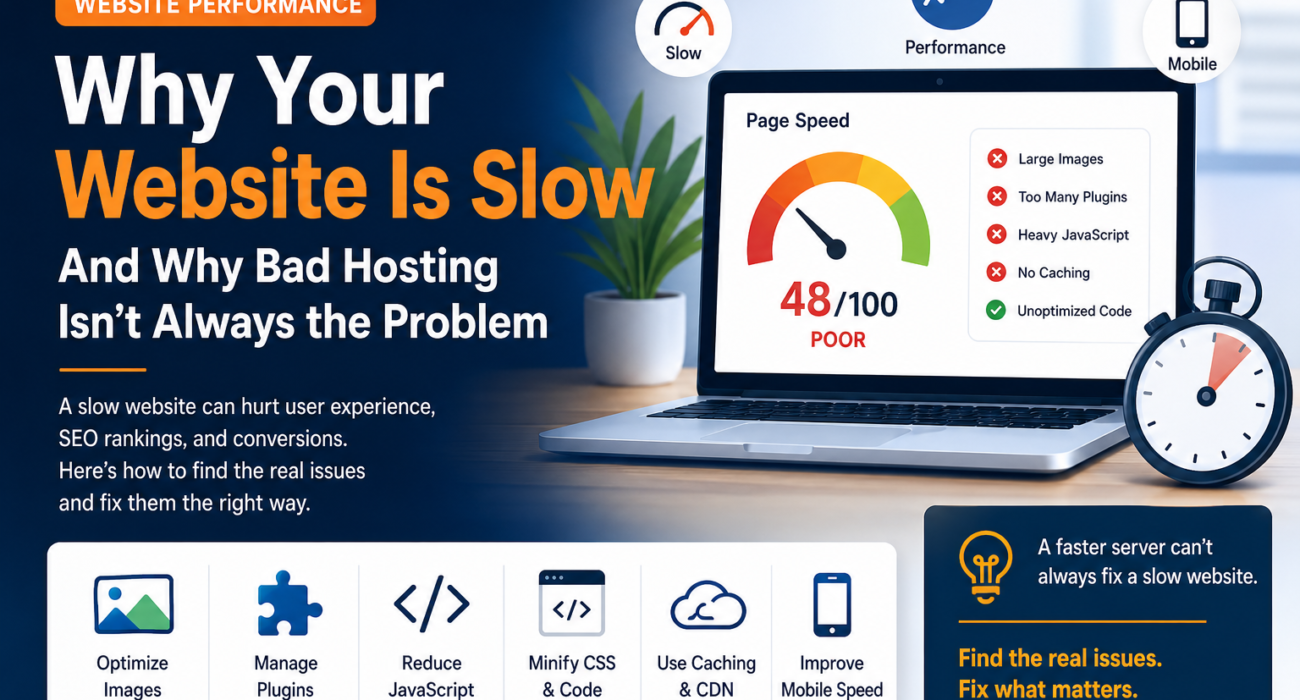
Why Your Website Is Slow — And Why Bad Hosting Isn’t Always the Problem
A slow website can hurt more than just user experience.
It can increase bounce rates, reduce conversions, make your business look less professional, and negatively affect search performance. When a website loads slowly, the first reaction is often to blame the hosting provider.
But hosting is only one piece of the puzzle.
In many cases, the real performance problems are inside the website itself.
What Makes a Website Slow?
A website can become slow for several different reasons. Some of the most common include:
- Unoptimized images
- Too many WordPress plugins
- Heavy JavaScript
- Unused CSS
- Poorly loaded fonts
- Too many third-party scripts
- Lack of caching
- Large page structures
- Poor mobile optimization
Even a website running on a powerful server can perform badly if the frontend is poorly optimized.
1. Unoptimized Images
Large images are one of the most common causes of slow websites.
Uploading a 3–5 MB image when the page only needs a few hundred kilobytes adds unnecessary loading time.
Images should be:
- Properly resized
- Compressed
- Delivered in modern formats such as WebP or AVIF
- Lazy-loaded when appropriate
- Optimized for mobile devices
The goal isn’t simply to use smaller images. It is to deliver the right image at the right size for the visitor’s device.
2. Too Many Plugins
WordPress makes it easy to add functionality through plugins.
But installing plugin after plugin can introduce additional CSS, JavaScript, database queries, and background processes.
This doesn’t mean you should avoid plugins.
Instead, regularly review them and ask:
Do we actually need this plugin?
If two plugins provide overlapping functionality, consider whether one can be removed or replaced with a lighter solution.
3. Heavy JavaScript
JavaScript provides useful functionality such as animations, interactive forms, sliders, analytics, chat widgets, and other features.
However, too much JavaScript can delay page rendering and interaction.
A better approach is to:
- Remove unnecessary scripts
- Load scripts only where they are needed
- Defer non-critical JavaScript
- Reduce third-party dependencies
- Minimize unnecessary animations
A website doesn’t need to execute everything immediately.
4. Unused CSS
Website builders and themes can sometimes load CSS that isn’t required on every page.
The browser still has to download and process those resources.
Reducing unused CSS can help pages render more efficiently.
This is particularly important for websites built with large visual builders or complex themes.
5. Fonts Can Affect Performance
Custom fonts can make a website look much better, but loading too many font files can increase page weight.
For example, loading several font families with multiple weights and styles may create unnecessary requests.
A better strategy is to use only the font weights actually required by the design and optimize how fonts are loaded.
6. Third-Party Scripts
Analytics, advertising platforms, live chat, social widgets, tracking tools, heatmaps, and other services can add external requests to a website.
Each additional service has the potential to affect performance.
Before adding another third-party tool, ask:
Does the business value justify the performance cost?
If yes, load it intelligently.
7. Caching and CDN Configuration
Caching allows frequently requested resources to be served faster instead of being generated from scratch every time.
A properly configured caching strategy can improve performance significantly.
A CDN can also help deliver static assets from servers closer to visitors.
But remember:
A CDN cannot magically fix an inefficient website.
It should be part of a broader performance strategy.
8. Mobile Performance Matters
A website that performs well on a desktop computer may still be slow on a mobile device.
Mobile users may have:
- Slower connections
- Less processing power
- Limited data
- Smaller screens
- Different browsing conditions
That’s why performance testing should always include mobile devices.
What About Upgrading Hosting?
Upgrading hosting can help when the server itself is the bottleneck.
For example, a website may need better resources because of:
- High traffic
- Insufficient CPU or RAM
- Slow database processing
- Poor server configuration
- Resource limitations
But if the problem is a 5 MB hero image, excessive JavaScript, or dozens of unnecessary plugins, upgrading the server may not solve the underlying issue.
You could simply end up paying more for hosting while keeping the same website problems.
A Better Website Optimization Process
Before spending more money on infrastructure, audit the website.
A good optimization process should examine:
- Page load performance
- Core Web Vitals
- Image and media sizes
- JavaScript and CSS
- Plugin usage
- Third-party scripts
- Caching
- CDN configuration
- Database performance
- Mobile performance
Tools such as Google PageSpeed Insights and browser developer tools can help identify potential bottlenecks.
The Bottom Line
Website performance isn’t just a hosting problem.
It is a combination of hosting, code, content, design, plugins, scripts, caching, and optimization.
Before upgrading to a more expensive server, find out what is actually slowing the website down.
Sometimes the biggest performance improvement doesn’t come from buying more server power.
It comes from removing what the website doesn’t need.
A faster website creates a better experience for users — and a better foundation for conversions and SEO.
Frequently Asked Questions
Is expensive hosting enough to make a website fast?
No. Good hosting can provide a strong foundation, but poorly optimized images, code, plugins, scripts, and page structures can still make a website slow.
Can WordPress plugins slow down a website?
Yes. Plugins can add scripts, styles, database queries, and other processes. The impact depends on the specific plugin and how it is implemented.
Does a CDN make a website faster?
A CDN can improve the delivery of static resources, particularly for visitors who are geographically far from the origin server. However, it cannot fix every underlying performance problem.
How can I find out what is slowing my website down?
Start with a performance audit using tools such as Google PageSpeed Insights, then investigate images, JavaScript, CSS, plugins, third-party scripts, caching, and server response time.
Should I upgrade hosting or optimize my website first?
First identify the bottleneck. If the server is the problem, upgrading hosting may help. If the website itself is inefficient, optimization should come first.
What is the most important website performance goal?
Don’t focus only on one speed score. Look at real user experience, including loading performance, responsiveness, visual stability, and mobile performance.